Precise Next.js + Tailwind Visual Editing for Developers and Designers
AI builds your app. You decide how it looks.
Native macOS visual editor for Next.js + Tailwind projects. Edit layout, text, colors, icons, fonts, effects, and design tokens. Every change writes back to your source as a clean format-preserving diff.
How it works
Four steps. Zero config.
01
Open your project
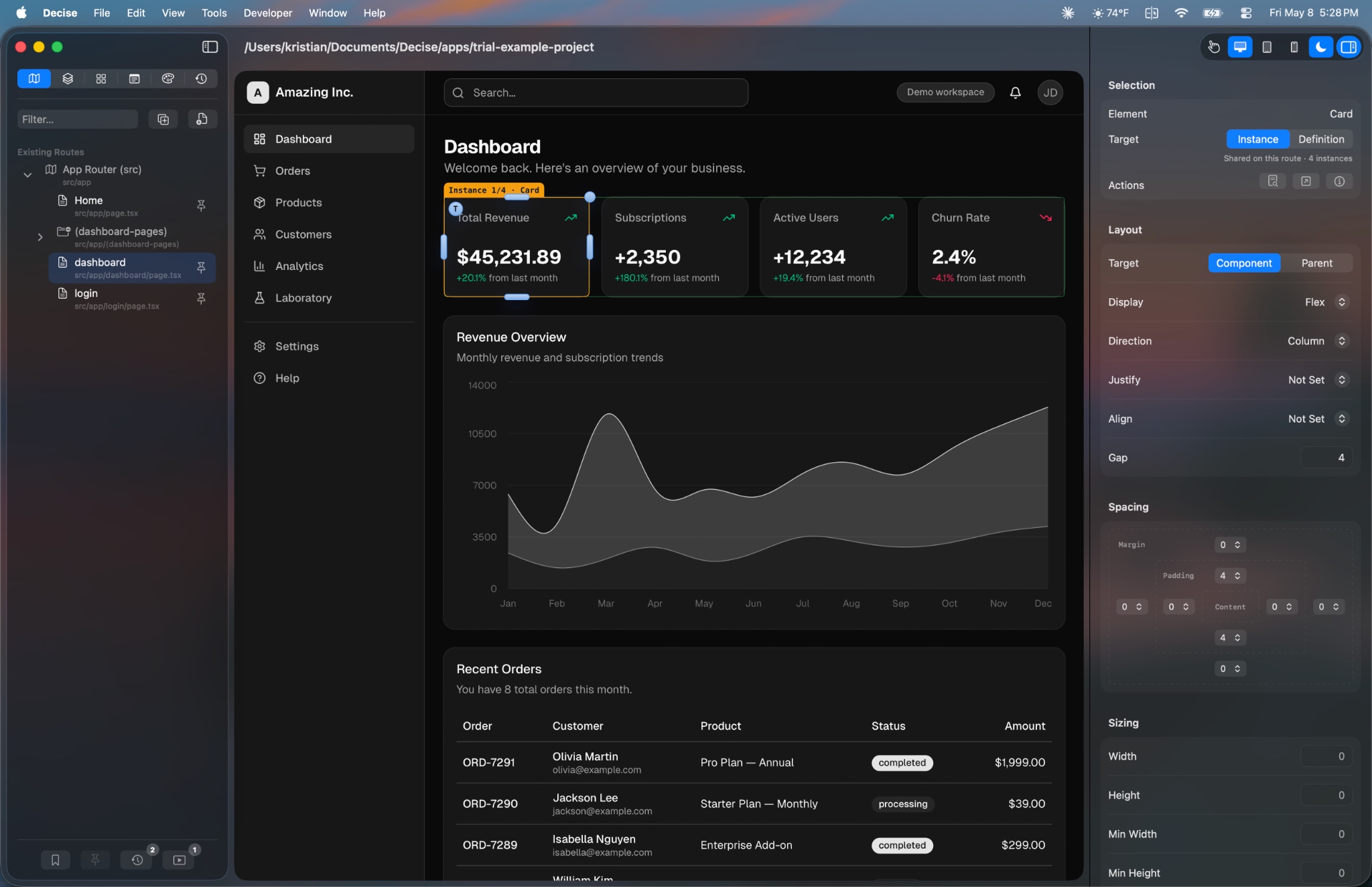
Point Decise at any Next.js + Tailwind project. The Project Navigator shows every route in your app. Click to preview, click to edit.
02
Edit visually
Select any element. Drag to reposition. Edit text directly on the canvas. Swap icons. Adjust spacing, typography, colors, and effects.
03
Fine-tune with precision
Edit colors in OKLCH. Inspect and edit design tokens from your Tailwind config. The color picker speaks your design system’s language.
04
Code updates, history tracks
Every edit writes clean code changes back to the source. Full session history with visual before and after lets you undo or restore anything.
See it in action
See Decise in 60 seconds.
Why Decise
Built different. On purpose.
Not another Electron wrapper. Not a design tool pretending to write code. A native app that treats your codebase with respect.
Your real code
The code is the source of truth. No silos, no proprietary formats, and no lock-in.
Native macOS
Built in Swift, not Electron. Launches instantly. Feels like it belongs on your Mac.
Zero config
Open any Next.js + Tailwind project. No plugins, no wrappers, no setup.
Logic untouched
Only modifies layout and styling. Event handlers, state, and data stay as-is.
Format-preserving
Only the lines you edit change. Your comments, formatting, and code style stay intact.
Instant feedback
Changes render in milliseconds. Edit, see, and iterate at the speed of thought.
Full editing surface
Classes, text, icons, images, colors, borders, and shadows — not just drag and drop.
Design System aware
Search your tokens, edit values in place. Pick Google Fonts. Native OKLCH color editing.
Session history
Full undo/redo with visual provenance. See exactly what changed, when, and why.
What you can edit
Every detail. Directly on canvas.
From layout and spacing to colors and effects, Decise gives you visual controls for the properties that matter most.
Layout & Spacing
Visual box model for margin, padding, and gap. Named pickers for flex and grid layout. Every change lands directly in your component source.
Typography & Type Color
Edit font size, weight, line height, and alignment visually. Pick Google Fonts for editable font-family tokens, with project-aware previews.
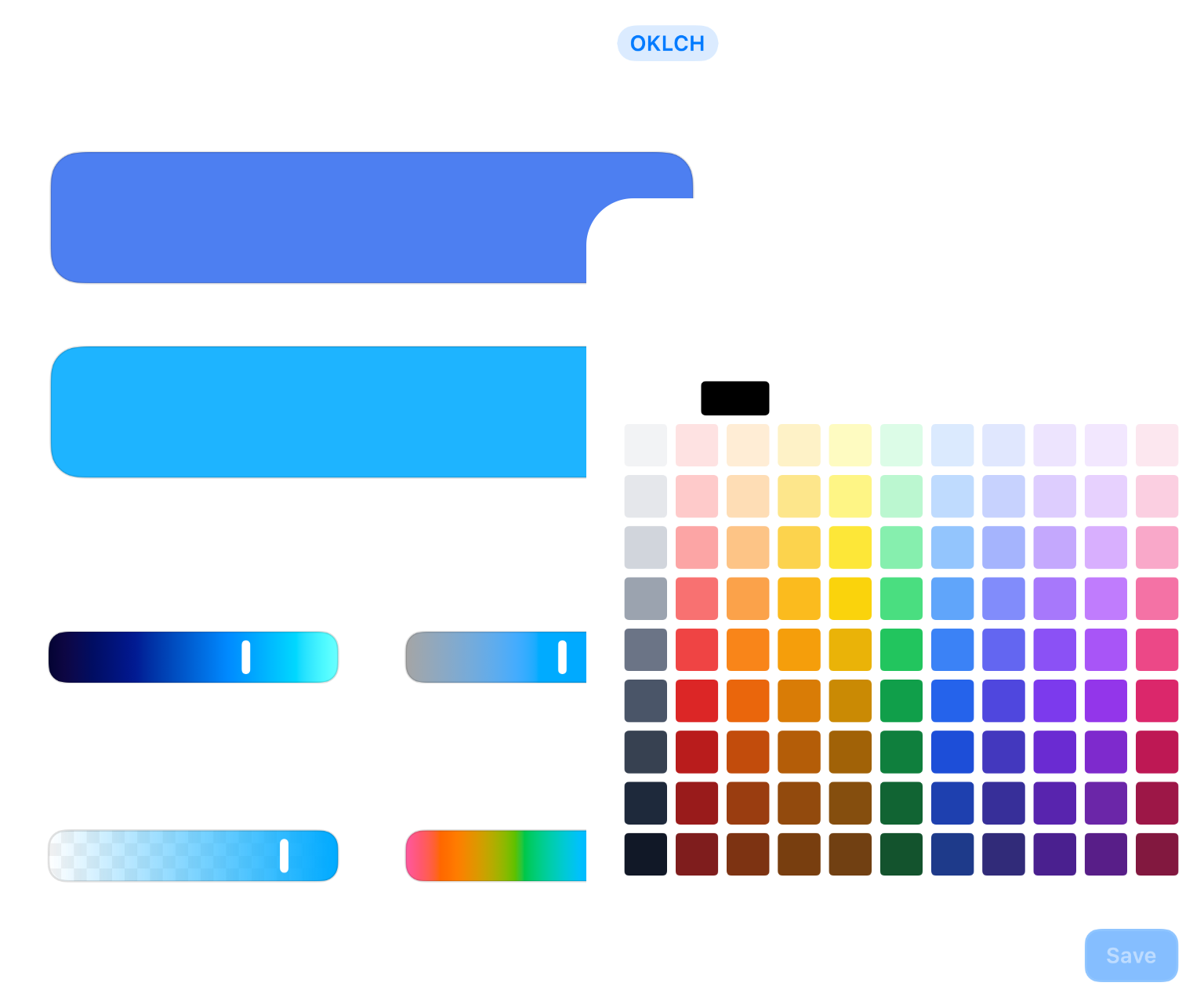
Colors & Gradients
Native OKLCH color editing for backgrounds, text, borders, rings, and gradient stops. Source-backed writes keep your design tokens in charge.
Borders & Effects
Bounded editors for shadow, blur, backdrop blur, border width and radius, and rings. Fine-tune the details that make a UI feel polished.
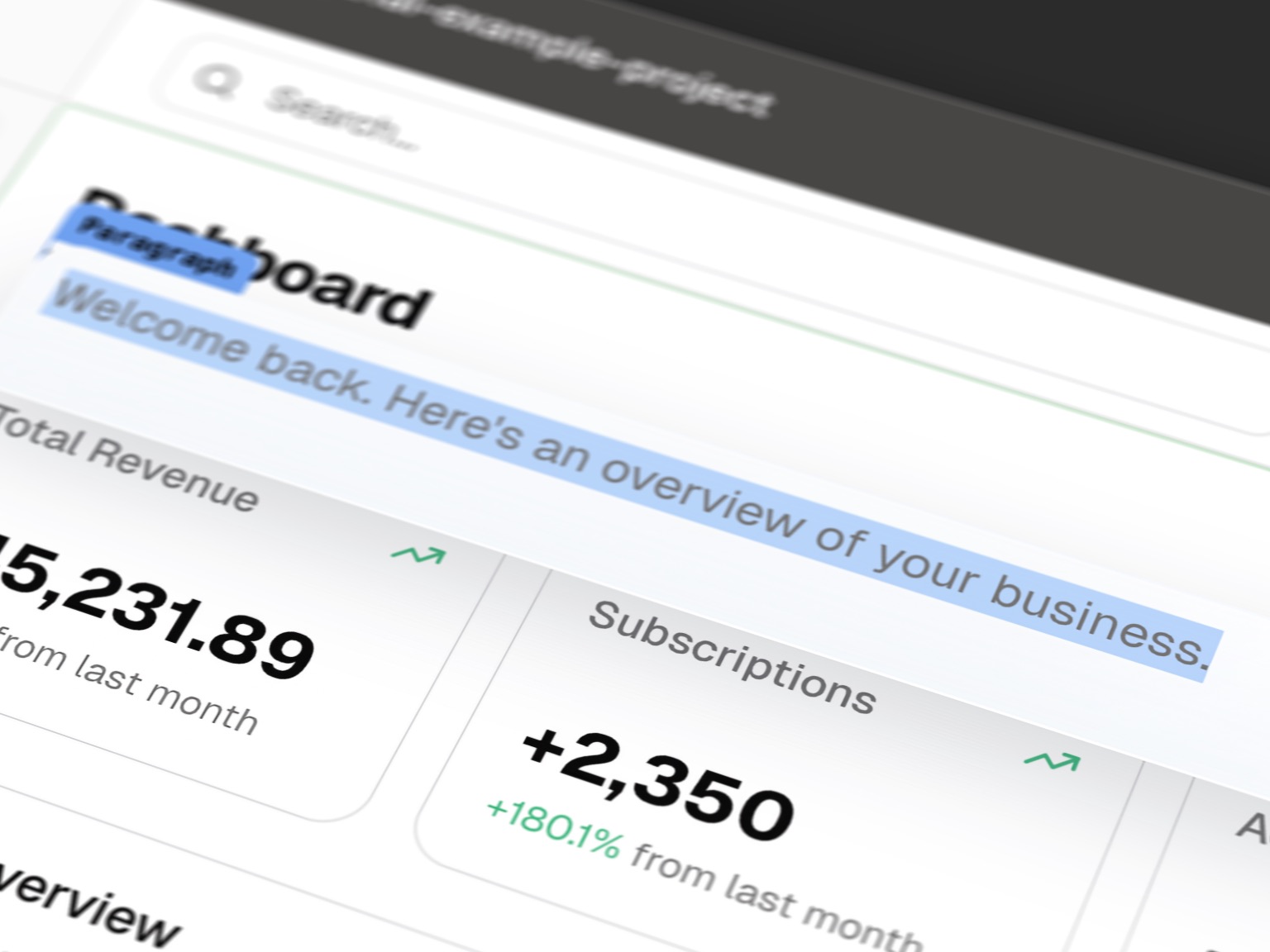
Text Editing
Click any text on canvas and type to edit. Shared-template writes update every instance truthfully, and dynamic text is safely rejected.
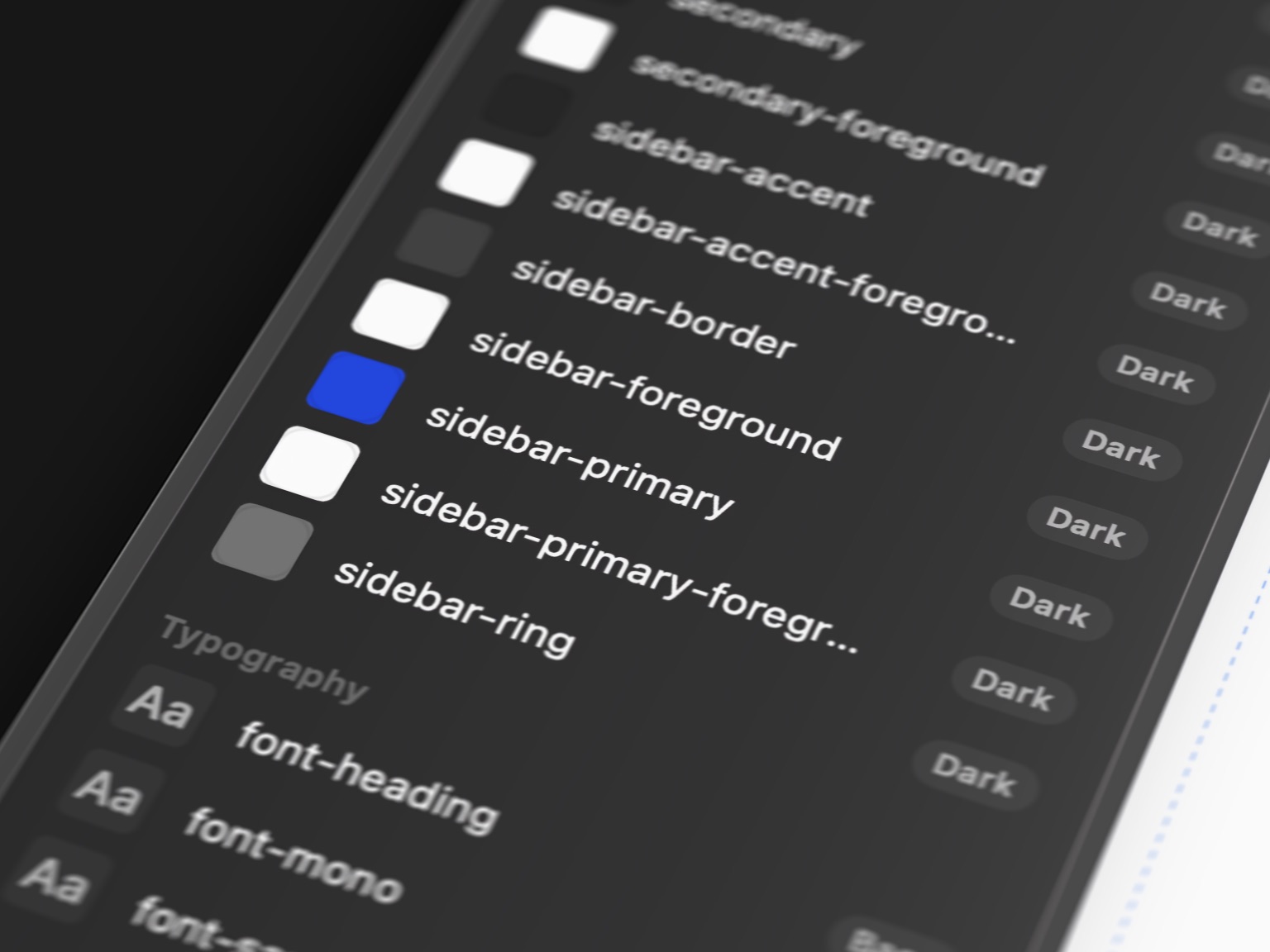
Design System
Search Tailwind tokens and edit values in place. Pick Google Fonts for font-family tokens. Source-backed writes, no guessed edits.
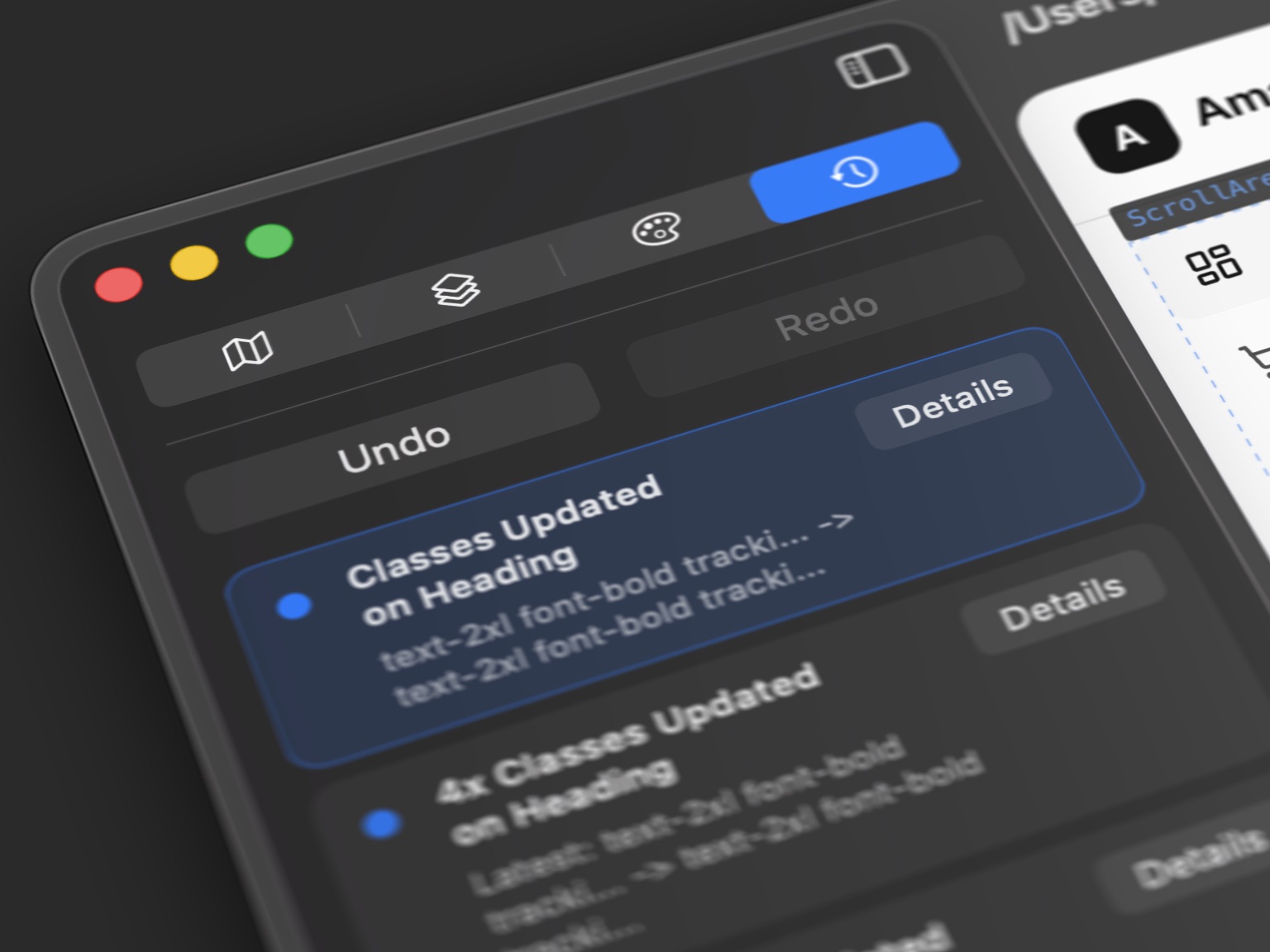
History & Provenance
Session undo/redo with per-edit provenance and checkpoint detail. See exactly what changed, when, and why — and restore any checkpoint.
The maker
“I’m a coder who designs and a designer who codes. I’ve shipped multiple SaaS products over the years and I’ve always hated the artificial divide between design and development. Figma over here, your IDE of choice over there, browser dev tools in between, and awkward conversations about what really matters. Every context switch breaks your flow. Yet we are making a product that needs to come together, for the user.
When AI tools started generating entire apps, this gap got worse, not better. I could scaffold a full Next.js app in minutes, then spend hours reading code I did not write to move buttons twenty pixels to the right.
I also did not want a fake visual editor that looked magical right up until it broke your code. If a refactor is safe, Decise should do it. If it needs a fallback or should block, it should tell you the truth.
So I built Decise. Because your codebase is already a design tool. It just needed to become visual.”
Kristian — Designer, developer, maker of Decise
Pricing
Try it for free. Pay if it makes your life easier.
Trial
Free
No time limit
- Every feature, no limits
- Bundled sample project
- No time limit
- No credit card
Decise
or $99/year (save 31%)
- Everything in the trial
- Open any project
- Your code, your machine
- 14-day refund guarantee
Notes on design engineering, every two weeks.
Notes on what’s changing in how interfaces get built — direct manipulation, AI-generated UI, and the fading line between designer and developer.
The Visual Refinement Gap: Why AI-Generated Code Needs a New Kind of Tool
AI gets you 80% of the way there. The last 20% — visual polish — is where you actually live. Here's why existing tools don't solve it, and what visual refactoring means.
Read →Why I Built Decise: A Designer's Frustration with the Code Gap
The story of how years of switching between Figma, VS Code, and browser DevTools led to building a visual editor that treats your codebase as the design tool it already is.
Read →Prototyping Speed Is the New Product Advantage
The idea that a product could be built in a week used to be a cliché. It's now a real number. Teams that treat prototyping as the central discipline — not a preamble to it — are winning.
Read →One-click unsubscribe. Confirmation email required.